Oral and Poster Presentation Information

The following information should be reviewed and used when preparing and submitting your oral presentations and posters.

Quick Uploading Presentation Info:
Oral Presentations - Presentations can be uploaded using this file request link or on site at KDCC by 5:30pm the day before.
Virtual Posters - must be done in Fourwaves via your submission page (see details under Virtual Poster)

Presentation Format:
Each presenter will have 10 minutes to present and a 2 minute Q+A period following their presentation. 

Presentation Slides:
MS Powerpoint (*.pptx) or PDF (*.pdf) with an aspect ratio of 16:9 (widescreen).

Presentation Upload Deadline

Presentations are due by 5:30PM the day before your presentation. 

Presentations can be uploaded using this File request link

Please be sure to name your file in this format: 
Session ID_Abstract ID_LastName of Presenting author (eg. 13A_111_Beddoe). 
 

Presentations can also be at the Speaker Ready Desk at the KDCC on:

Sun June 16: 1:00pm - 5:00pm

Mon June 17: 7:30am - 5:30pm
Tues June 18: 7:30am - 5:30pm
Wed June 19: 7:30am - 8:30am

Available Equipment on Site
a. A monitor, mouse, smart pointer will be provided on the podium or speakers.
b. Depending on the size of the room, you may or may not have a microphone to use. 
c. Everything must function with a mouse. There will be no keyboards on the podium.
d. The Slide Note function (Presenter View mode) will NOT be provided by default.
e. If your file contains video or sound, please inform the technician on site and check the system in advance. 
f. Please note that there will be lag for large video or sound for the virtual audience, and the presenters are asked to proceed with caution. 


Guidelines - Oral Guidelines
 

On the day of your Poster Session:

Each author will be responsible for mounting their Posters on the day of their poster sessions. This will occur during the afternoon break period (3pm - 3:30pm).

Each author will have an assigned numbered poster location where they will mount their poster

Posters will be mounted with provided push pins.


Size and orientation
· The recommended poster size is A0, 841mm x 1189mm; with a maximum allowable size of 48” x 36”.
· There will be 2 posters on each poster board, and exceeding the allowable size will mean your poster will be covered by your neighbour.
· Either landscape or portrait orientations are acceptable (see below how they will appear on the board).
 

Font Size and Type
It is recommended to minimize the number of different font types used. Font and font sizes are at the discretion of the presenters however the following guidelines are presented for consideration:
· Titles: 85pt
· Authors: 60pt
· Headings: 36pt
· Body text: 24pt
· Captions: 20pt


Printing: 
Authors will be responsible for printing and transporting their posters to the poster session


Guidelines - Poster Guidelines


Upload your Virtual poster via the Submission page of your Full Paper or Extended Abstract.

At the bottom of your submission form you will see a location to upload a PDF Poster.  

Forget how to find your submission on Fourwaves? Please see the steps outlined at the bottom of this page.


For a complete description on how to upload your poster for the virtual please read here


Size and orientation
· The recommended poster size is A0, 841mm x 1189mm; with a maximum allowable size of 48” x 36”.
· It is recommended that you use landscape orientation for better viewing virtually. 
· Your poster should be saved and shown as a PDF document for best success during virtual program.


Font Size and Type
It is recommended to minimize the number of different font types used. Font and font sizes are at the discretion of the presenters however the following guidelines are presented for consideration:
· Titles: 85pt
· Authors: 60pt
· Headings: 36pt
· Body text: 24pt
· Captions: 20pt

The Virtual Poster Hall

During the Virtual Poster Hall Sessions, participants will be able to view all posters that are going to be presented virtually, and which are live. 

Each poster session will last 1 hour with ~ 30 posters live each day.  Under each poster, you'll see if there are any viewers or if there's an ongoing video conversation. 

If the virtual poster session is live, you'll see a button to join the conversation.  As a participant, you are welcome to join the conversation and discuss the poster with author! 

If the author is not there at the moment, you can request to join. This will send the author a notification that someone is standing at their poster and would like to chat. 


Forget How to Access Your Submission on Fourwaves?

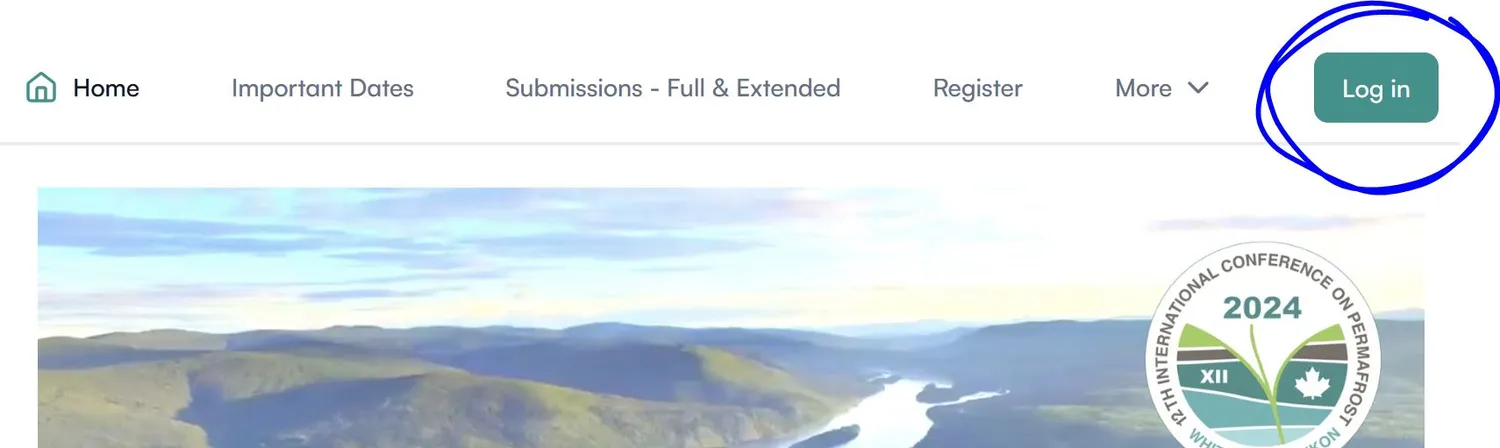
1. Log in

Using the account you used to submit your full paper abstract, Log in to Fourwaves

2. Dashboard

Clicking on your profile in the top right, you should be able to navigate to your Dashboard. 

3. Navigate to your Full Paper or Extended Abstract Submission

Navigate to your submissions, and select View Form. Please note, if you have more than one submission to ICOP2024, you will see them all listed here.

Additional Poster Information

Either landscape or portrait orientations are acceptable, as seen on the poster board on the right.  Each poster board will have 2 posters on each side. 

Powered by
Run your next event
with Fourwaves